 GroundUp
Home
Your day at a glance.
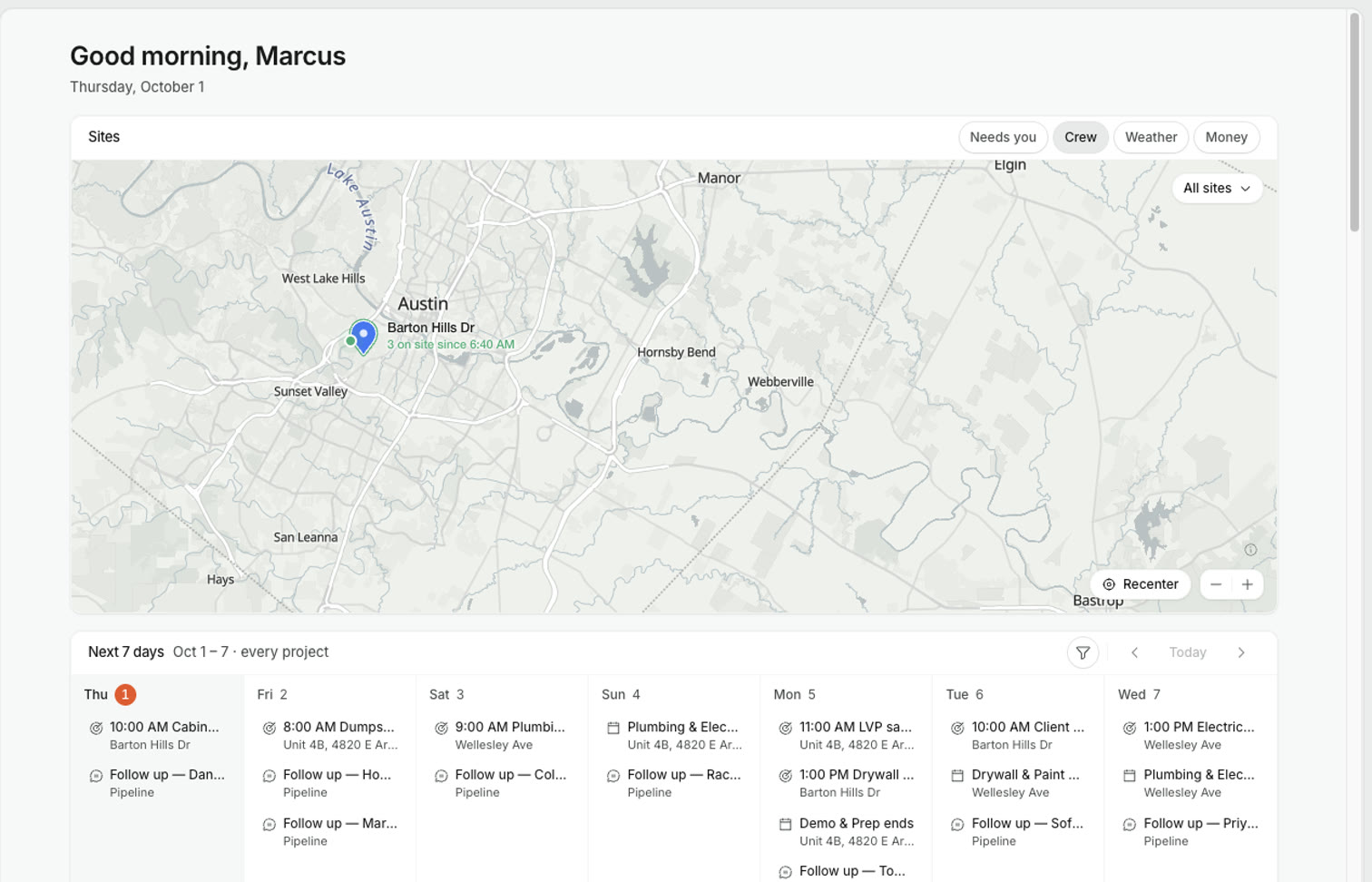
For residential construction
Every project in one place: tasks, crew, and money. Straight prices, one click away.
No credit cardFull access
The same project, live on both. Pick up the phone at the site, sit down at the desk — nothing re-entered.
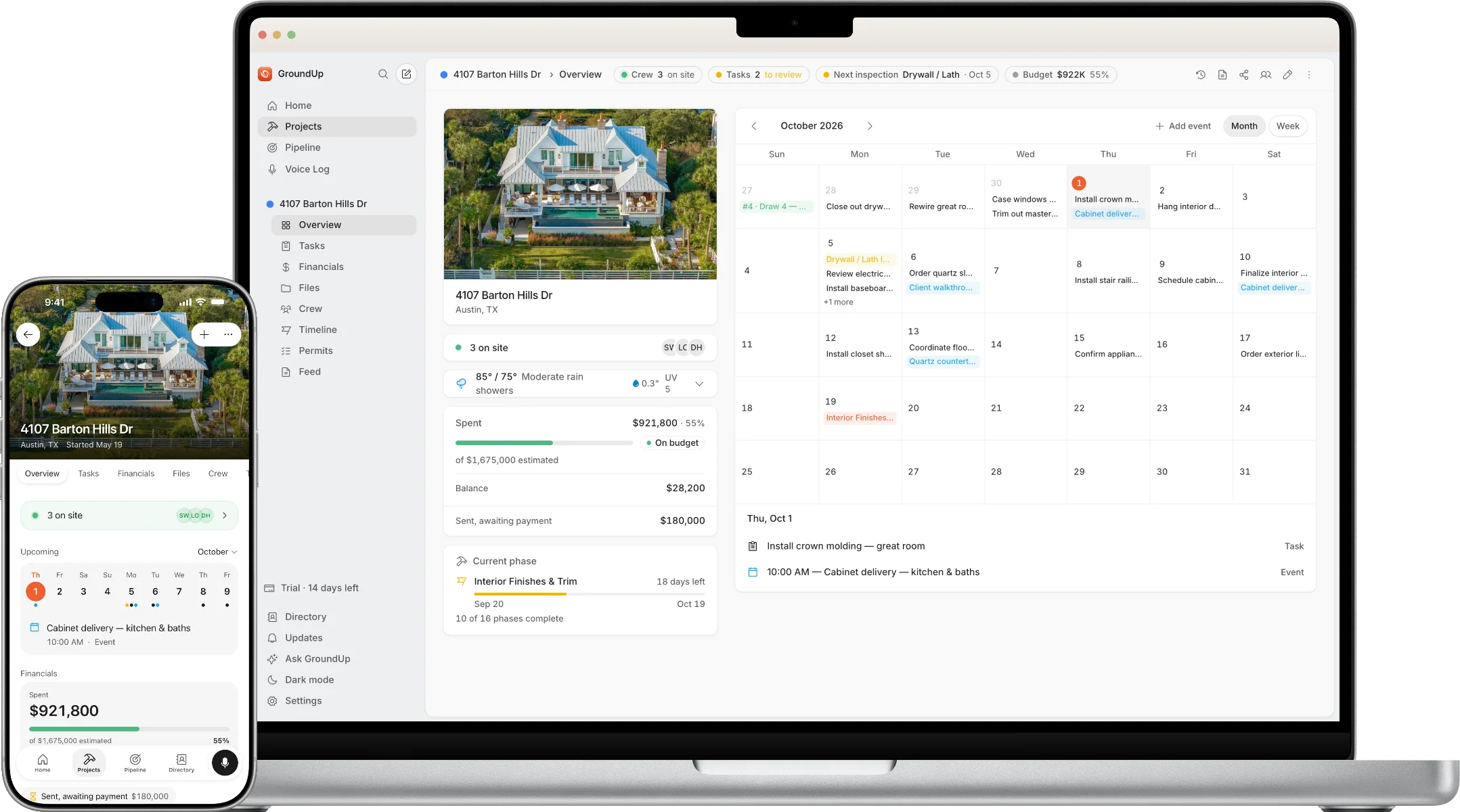
Schedule, crew, money and daily logs — every project in one app, from the first estimate to the final invoice.

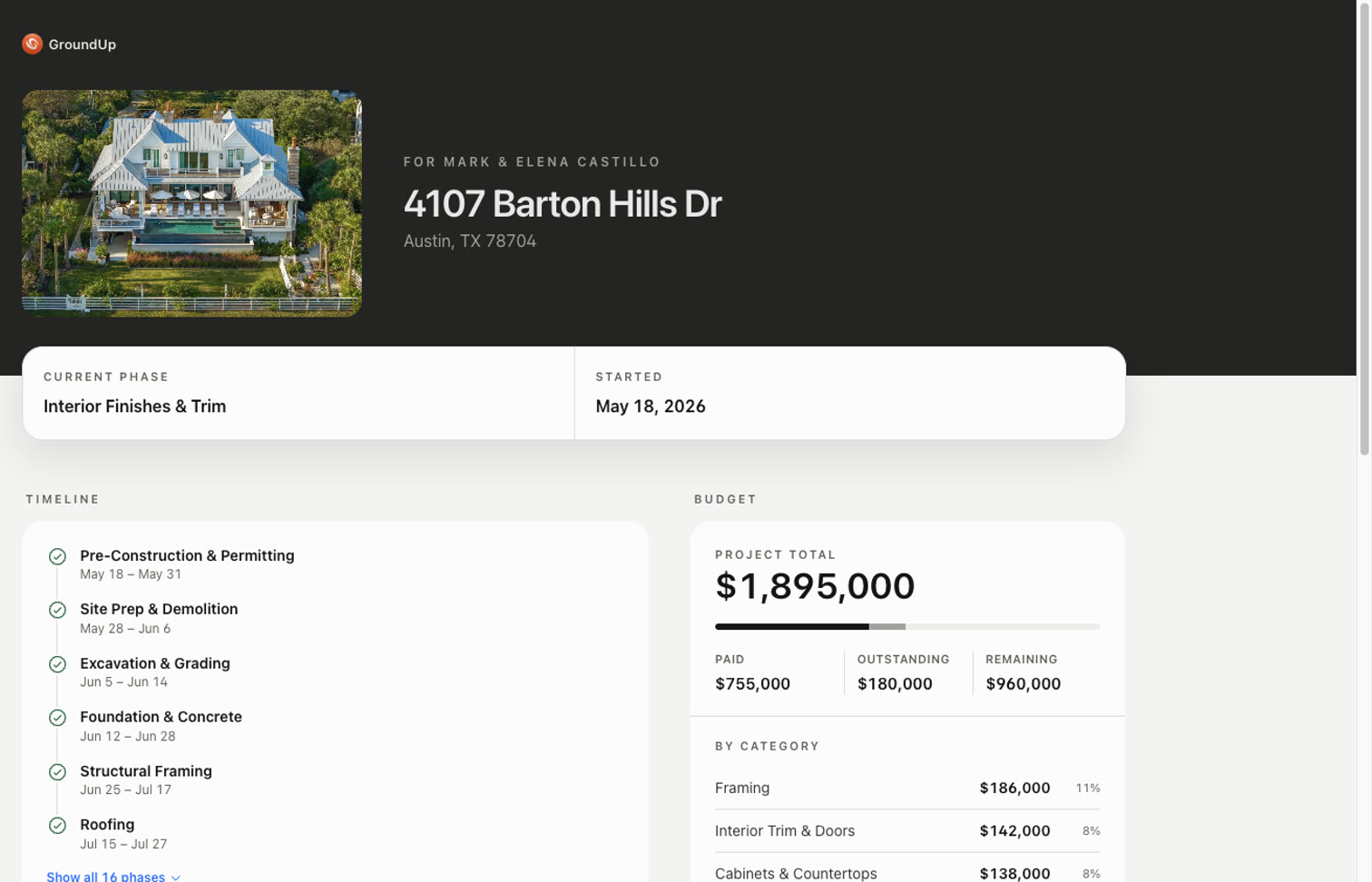
All your projects at a glance: spend against budget, the phase each one is in, and what happened on site today — from wherever you are.

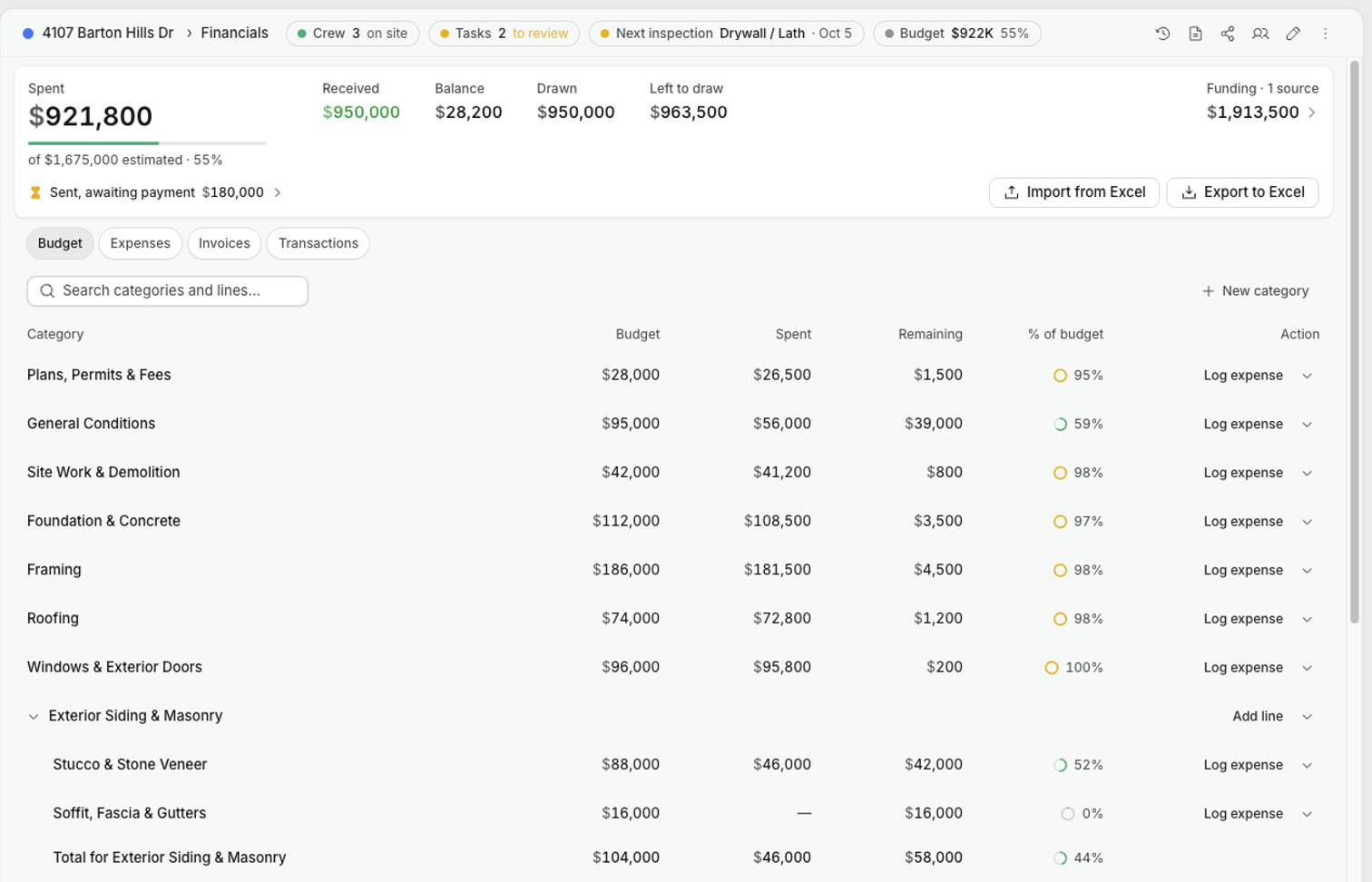
Every draw you fund should come with its evidence — spend, invoices, the schedule, line by line — without you chasing it.

You shouldn't have to call to find out where your house, and your money, stand. One link, nothing to install.
The big platforms sell through demo calls and 12-week onboarding plans.
GroundUp opens the whole app the minute you sign up — run a real project on it and decide for yourself.
No credit cardNo demo callFull access
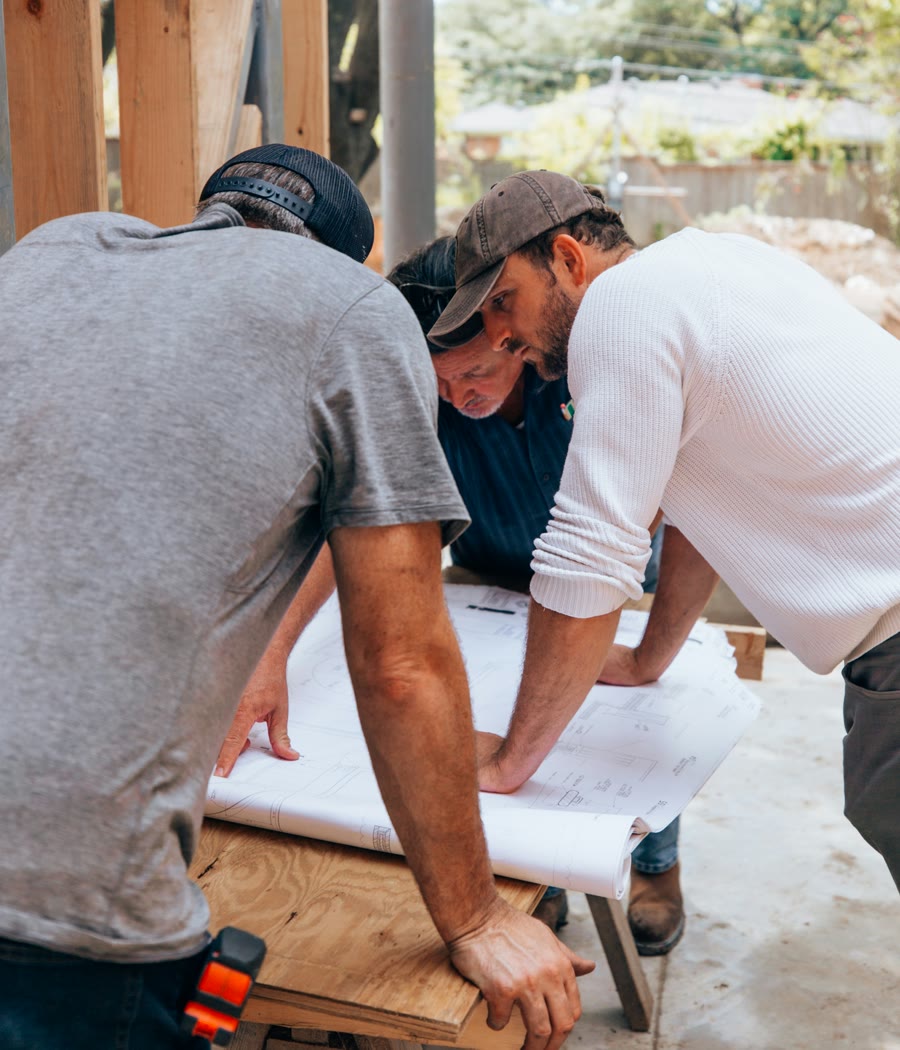
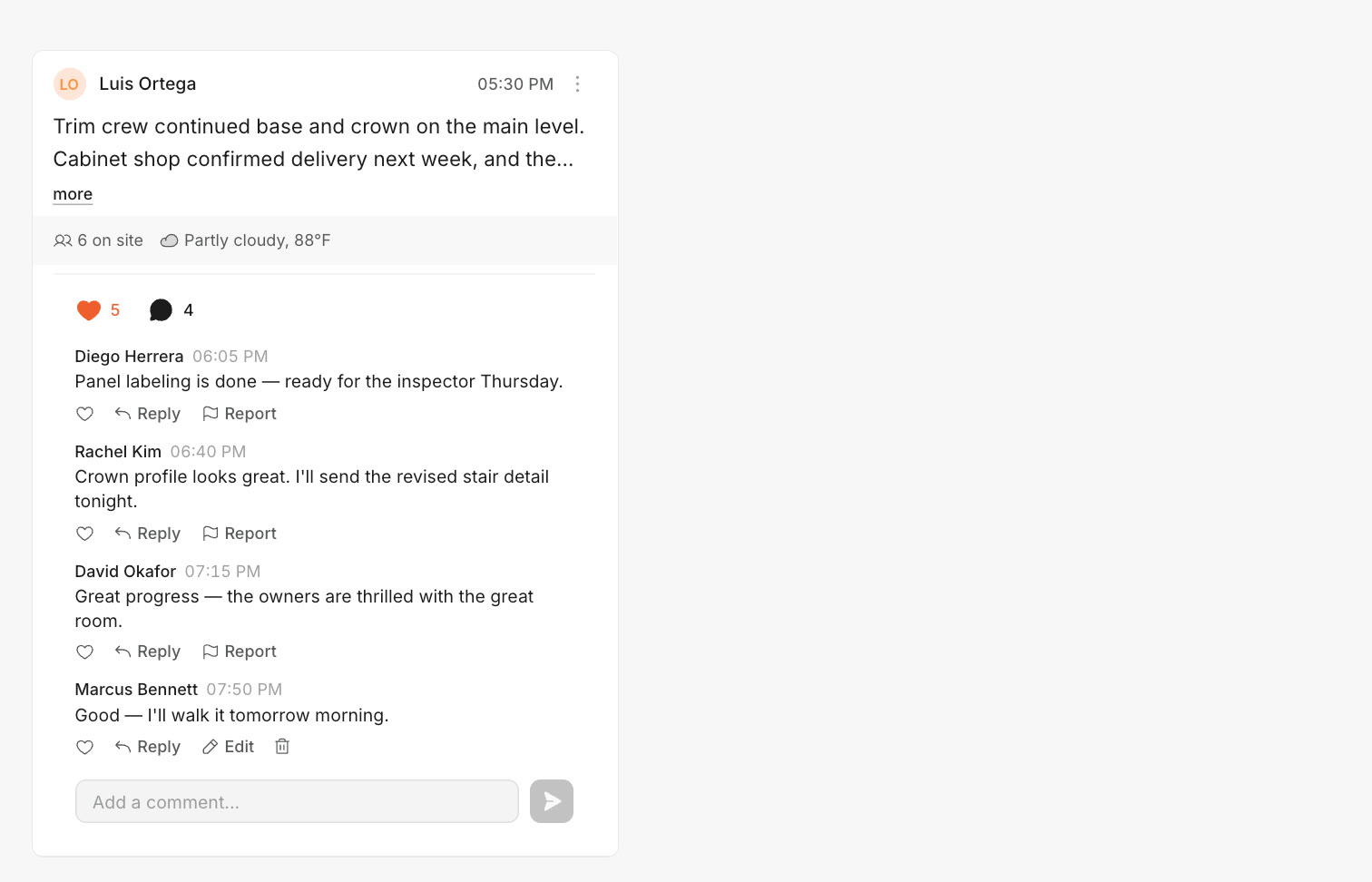
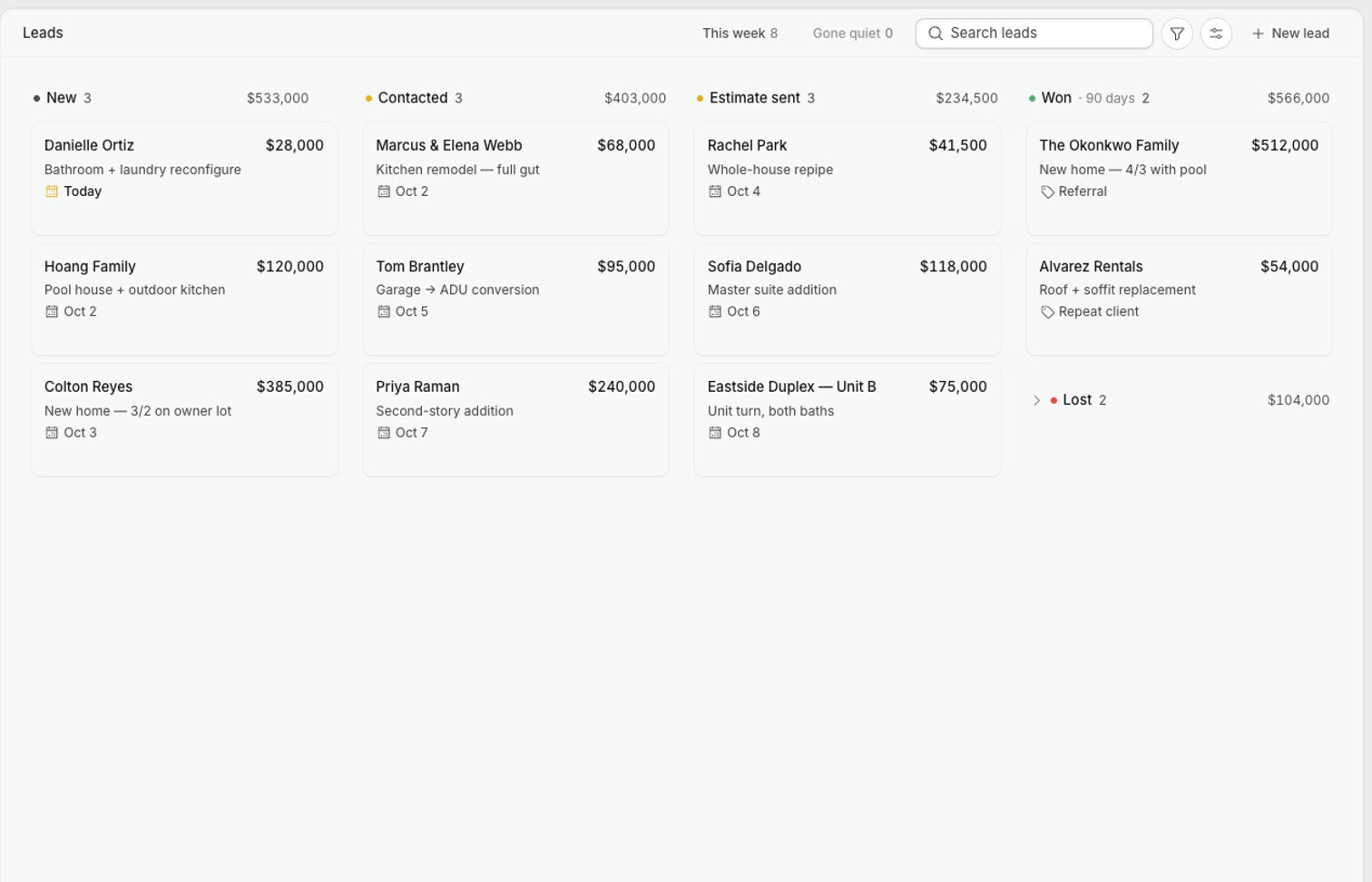
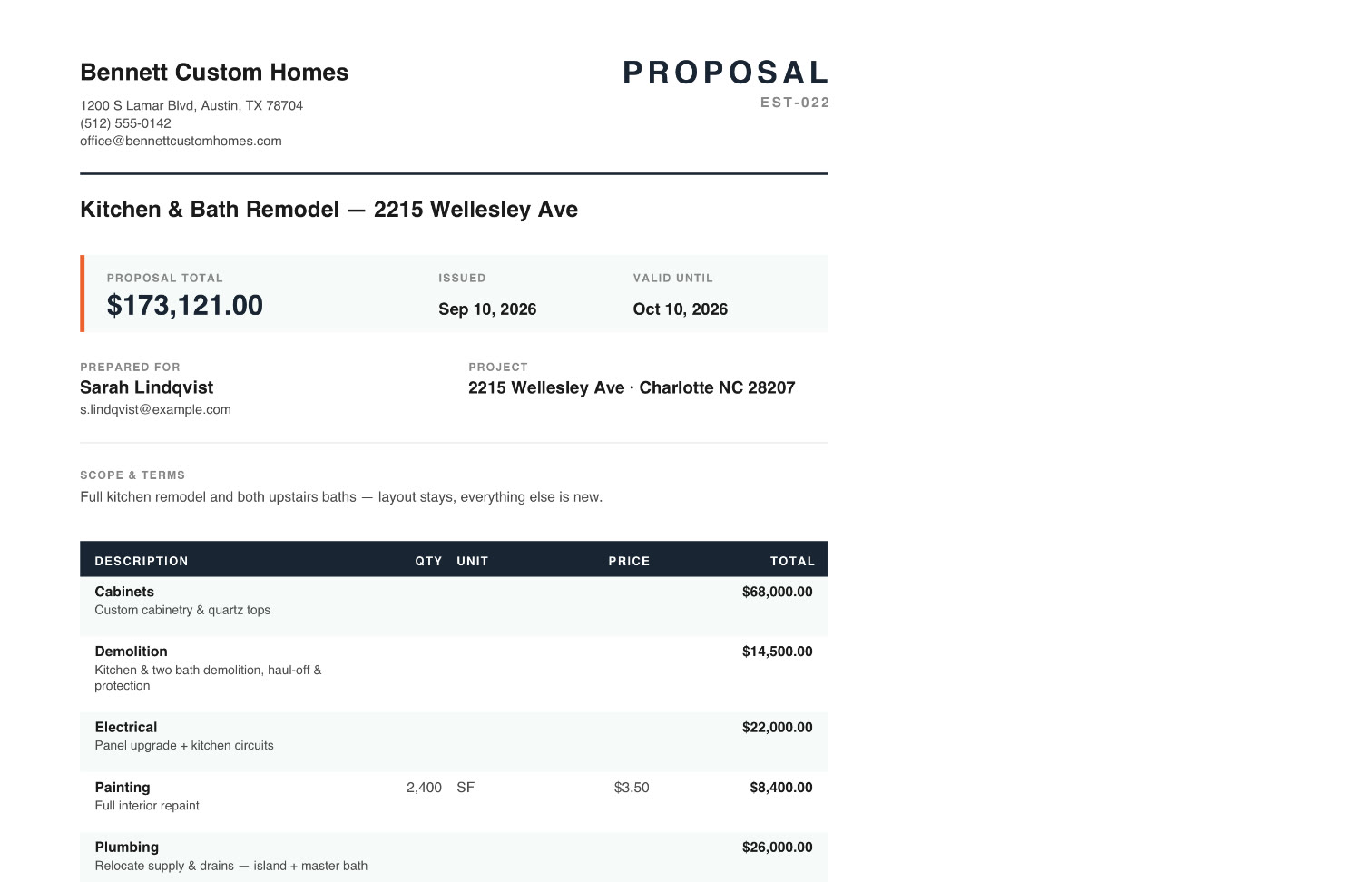
No more juggling texts, spreadsheets, and your Notes app. Tasks, timelines, budgets, files, permits, daily logs, estimates — and the leads that become your next project — in one workspace you can search.
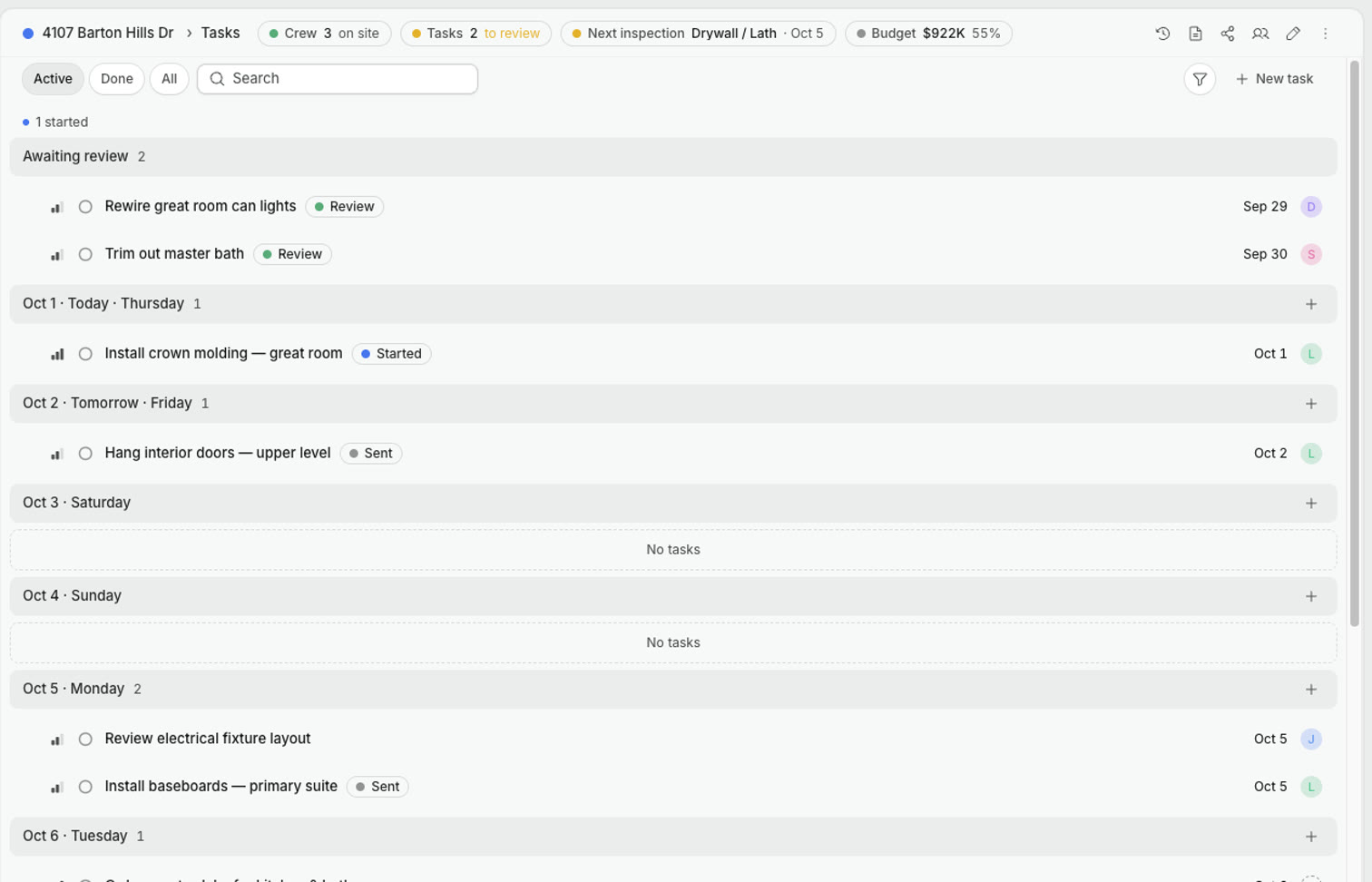
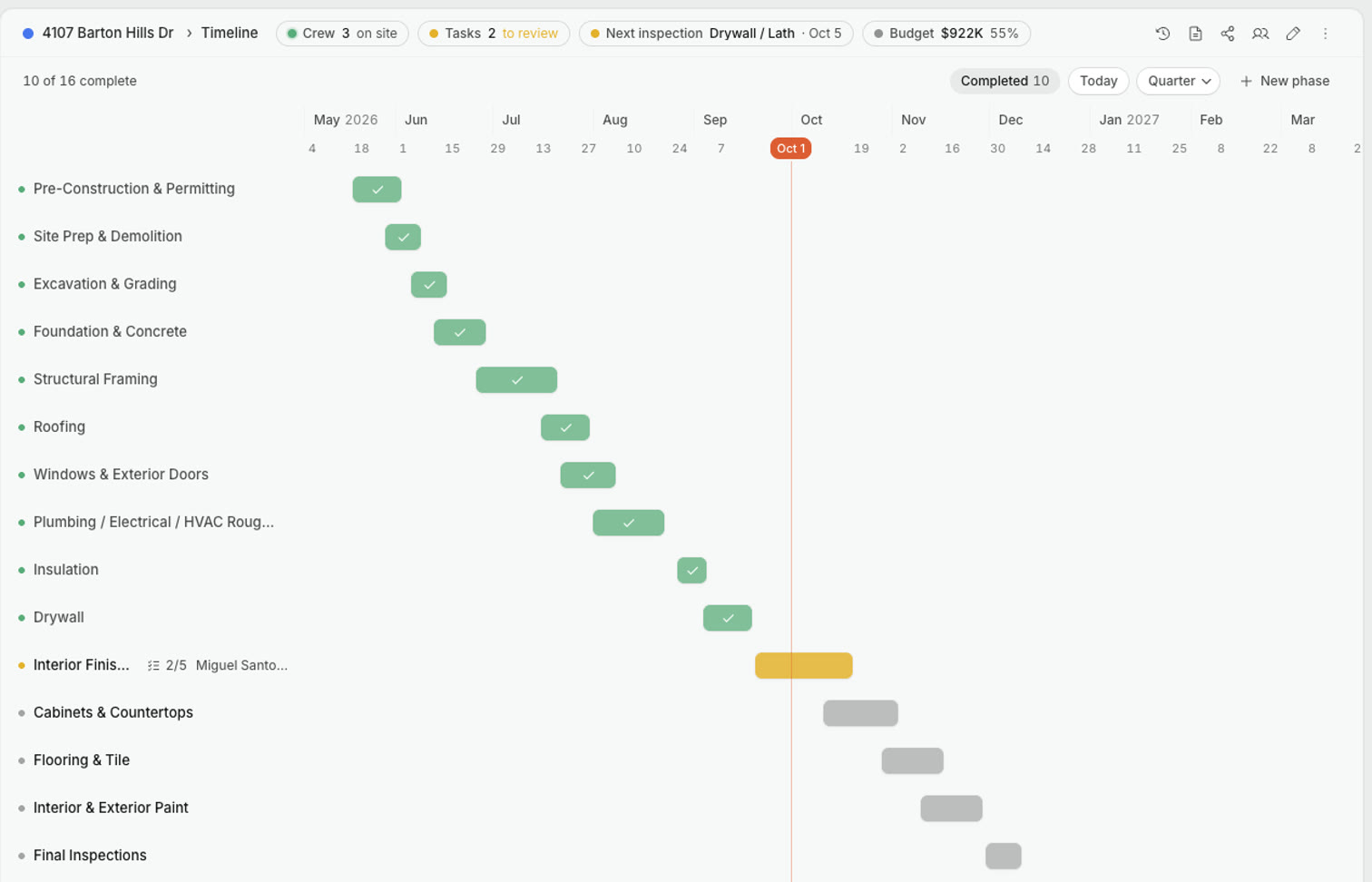
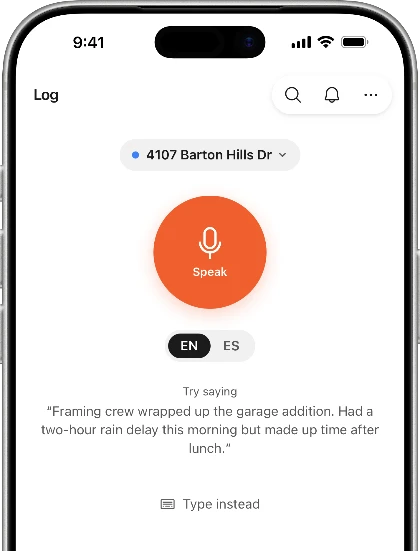
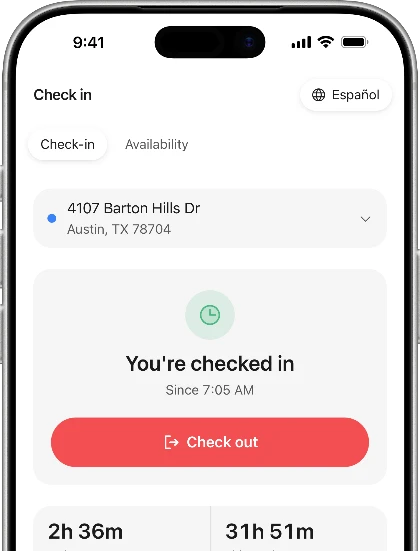
Plus everything in between.
Search across every project
Unpaid bills, with their due dates
Invoices to your client or your lender, from the project
Receipts scanned straight into expenses
Excel export & import — your budget in, every number out
Reports in a few taps, tailored for your lender or your client
Crew check-ins and hours, all in one place
Files that stay with the project, signed in the app
Weather stamped on every daily log
Ask GroundUp, built-in help that knows every screen
No card, no call. The whole app is yours for 14 days.
Address in — the project is ready for your crew, tasks and budget.
Crew get their free app. Collaborators get exactly the access you give them.
No credit cardNo demo callFull access
 Made by us
By a family that builds and remodels homes for a living — not a software company guessing at how a site works. It exists because our own projects needed it.
Something else? The chat below is live — straight answers, 24/7.
When you create your first project — not when you sign up. Until then, exploring the app, your leads, and your estimates are free. The clock waits for your first project.
Nothing is charged — there's no card on file. Your data stays put, and you pick a plan whenever you're ready.
No. Monthly or annual, cancel anytime from Settings. Your data stays yours: export everything to Excel, download your files, or delete the account whenever you like.
Yes. Crew is always free, no matter how many you invite — not during the trial, not on any plan, and there’s no cap.
No. Clients and lenders open a link — no account. Collaborators (a co-builder, your architect, a lender who wants more) get a full login under your plan. Only the project owner subscribes.
Bring it with you. Your budget spreadsheet imports on day one, and everything you track in GroundUp exports back to Excel in one click.
Builder includes three at a time. Archive a finished project and it becomes read-only, stops counting, and comes back when you need it. Pro is unlimited.
Yes — the whole app, not a lite mode. Every screen opens with your data in a dead zone, and nearly everything you do there — logs, photos, tasks, check-ins, expenses, budget, invoices, timeline, permits — saves on the phone and syncs when coverage returns. Voice logs transcribe on sync. The few things that need a signal (invites, PDFs, creating a project) say so instead of failing.
Completamente. Both apps run in English or Spanish — every screen, every button — and each person picks their own language and can switch anytime.
A person, not a queue. The support chat inside the app answers the quick things on the spot and hands the rest to us. No tiers, no ticket numbers.
No credit cardNo demo callFull access